Start with your voice.
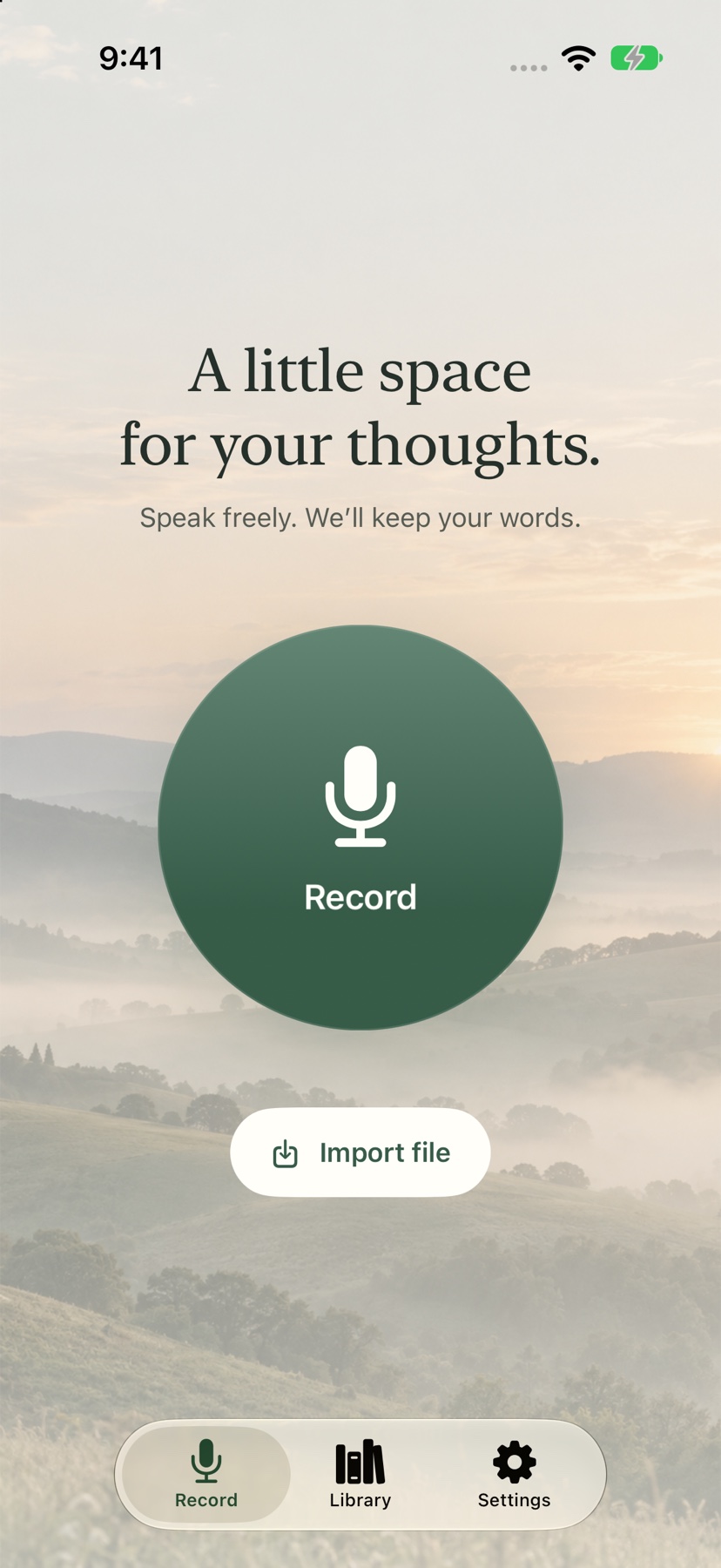
Tap to record, pause when you need to, and pick up where you left off. Already have a recording? Import an audio or video file.
 VeeScript
Voice notes, thoughtfully made
For the ideas that arrive on a walk. The conversations worth remembering. The words you don’t want to lose.
VeeScript turns your voice into text, with a little more calm and a lot less typing.
Made for iPhone & iPad · App Store release coming soon
From a passing thought to a saved note
Stay with the moment. VeeScript gives your words a place to land, and makes them easy to come back to.
Tap to record, pause when you need to, and pick up where you left off. Already have a recording? Import an audio or video file.
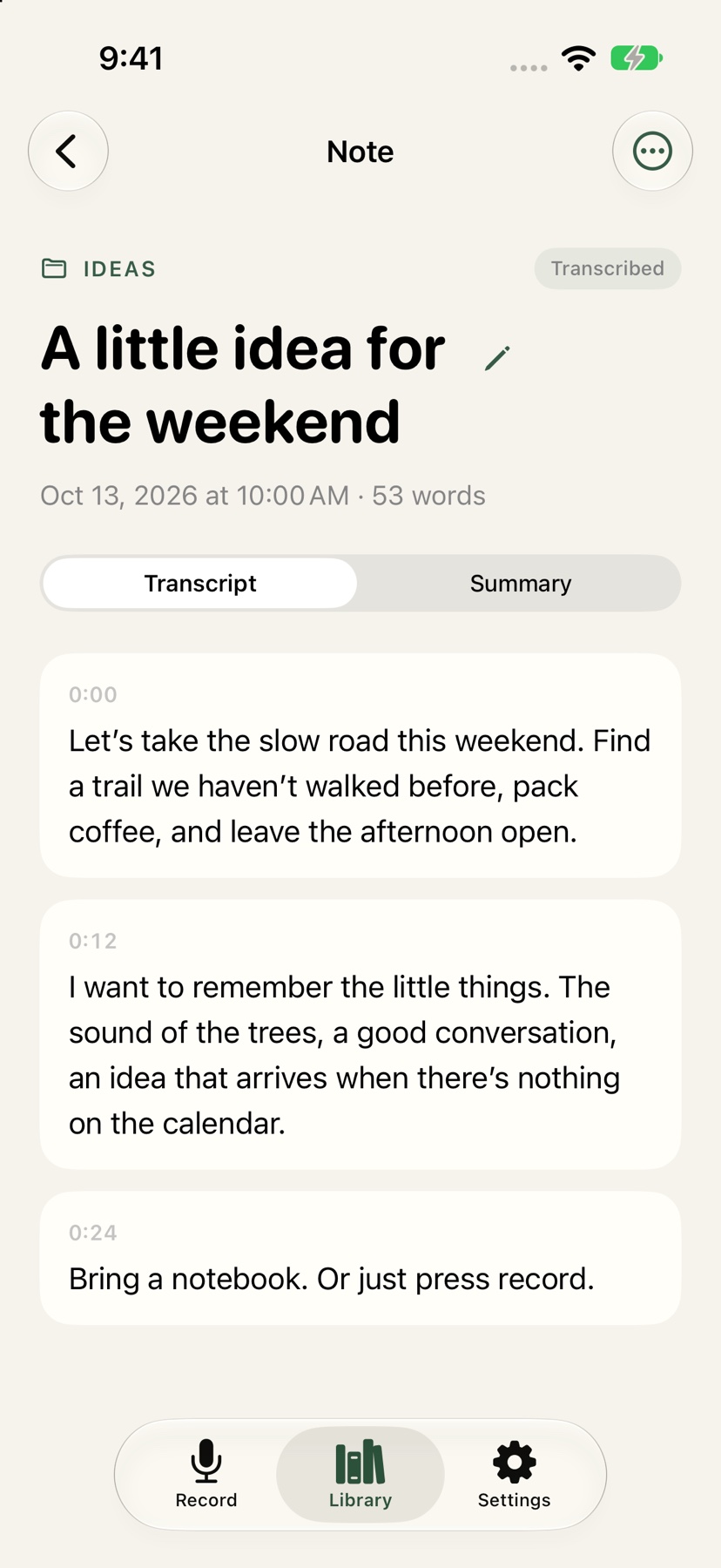
Turn recordings into timestamped text with on-device speech recognition. Review the transcript, edit a line, and add speaker names.
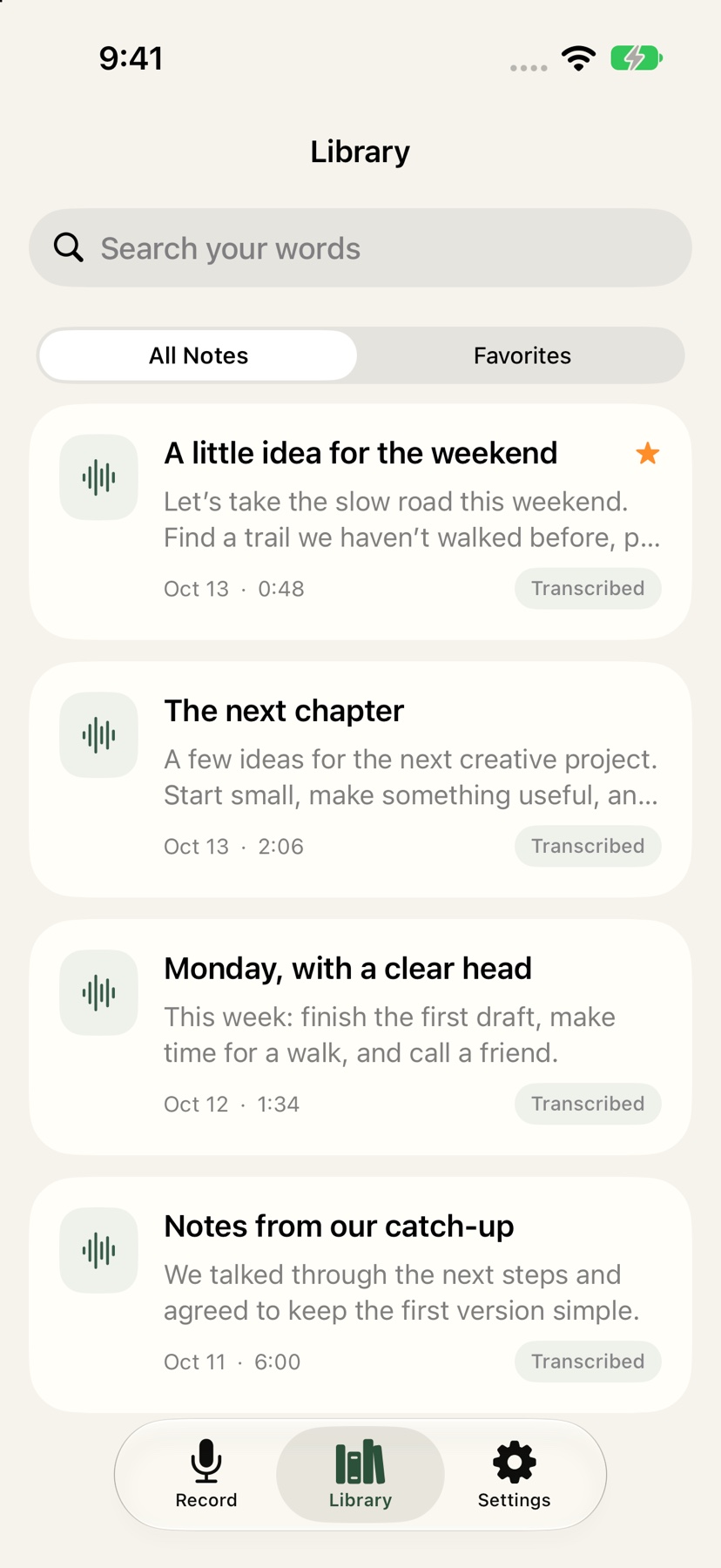
Organize notes into folders, save your favorites, and search your words. Export text or SRT subtitles, or share the original audio.
A home for what’s on your mind
Your weekend plans. A creative spark. Notes from a conversation. A simple library keeps them within reach.
Actual app screens. Sample notes shown for illustration.
Your recordings don’t need a remote transcription service. VeeScript recognizes speech on your device, and keeps saved notes and audio in your private iCloud database when iCloud is available.
The app has no advertising or third-party analytics SDKs.
Internet is used for speech-model downloads and iCloud sync.
Export notes, delete recordings, or remove audio while keeping the text.
Available on supported devices with Apple Intelligence and iOS 26 or later.
A few things to know
VeeScript is in development for iPhone and iPad. The App Store release is coming soon; we’ll add the download link here when it’s available.
Speech recognition runs on your device. Saved audio and notes sync through your private iCloud database when iCloud is available. They also leave your device when you choose to export or share them. Initial setup downloads speech-recognition files from the model provider. Read the privacy policy for details.
VeeScript is designed for iPhone and iPad running iOS or iPadOS 18 or later. Summaries require a supported Apple Intelligence device, iOS or iPadOS 26 or later, and Apple Intelligence to be enabled and ready. Recording, transcription, and editing do not require Apple Intelligence.
Yes. Use Import file to select an audio or video file from Files. VeeScript extracts audio from supported video files, then lets you transcribe and organize it alongside your recordings. File compatibility depends on the media formats your device supports.
Email support@momentumapps.org. Include your device model, software version, and a description of the issue. Please leave out private recordings unless they’re needed and you choose to share them.
Coming soon for iPhone & iPad
A calmer way to capture what matters. From Momentum Apps.
Say hello